One of the very cool things we’ve had for many years in the Oracle database is the ability to capture values after DML without having to do another trip back to the database. We do this using the returning clause. I’ll whip up a very simple example in SQL plus using SQL plus variables, but this works in any coding language that has an interface to the Oracle database.
SQL> desc myemp Name Null? Type ----------------------------- -------- -------------------- EMPNO NUMBER(38) ENAME VARCHAR2(10) SQL> variable which_emp number;SQL>SQL> update myemp 2 set ename = 'CONNOR' 3 where ename = 'MARY' 4 returning empno into :which_emp;1 row updated.
That all seems simple enough, but sometimes you might stumble across the following error which seems to suggest something catastrophically wrong has happened with the way you are using bind variables.
SQL> variable which_emp number;SQL>SQL> update myemp 2 set ename = 'CONNOR' 3 where ename = 'PETE' 4 returning empno into :which_emp;update myemp *ERROR at line 1:ORA-24369: required callbacks not registered for one or more bind handles
Callbacks? Registrations? If I jump onto chatGPT, it gives me some very cryptic responses about what the cause might be, which is what motivated me to throw this blog post together to set you straight 🙂
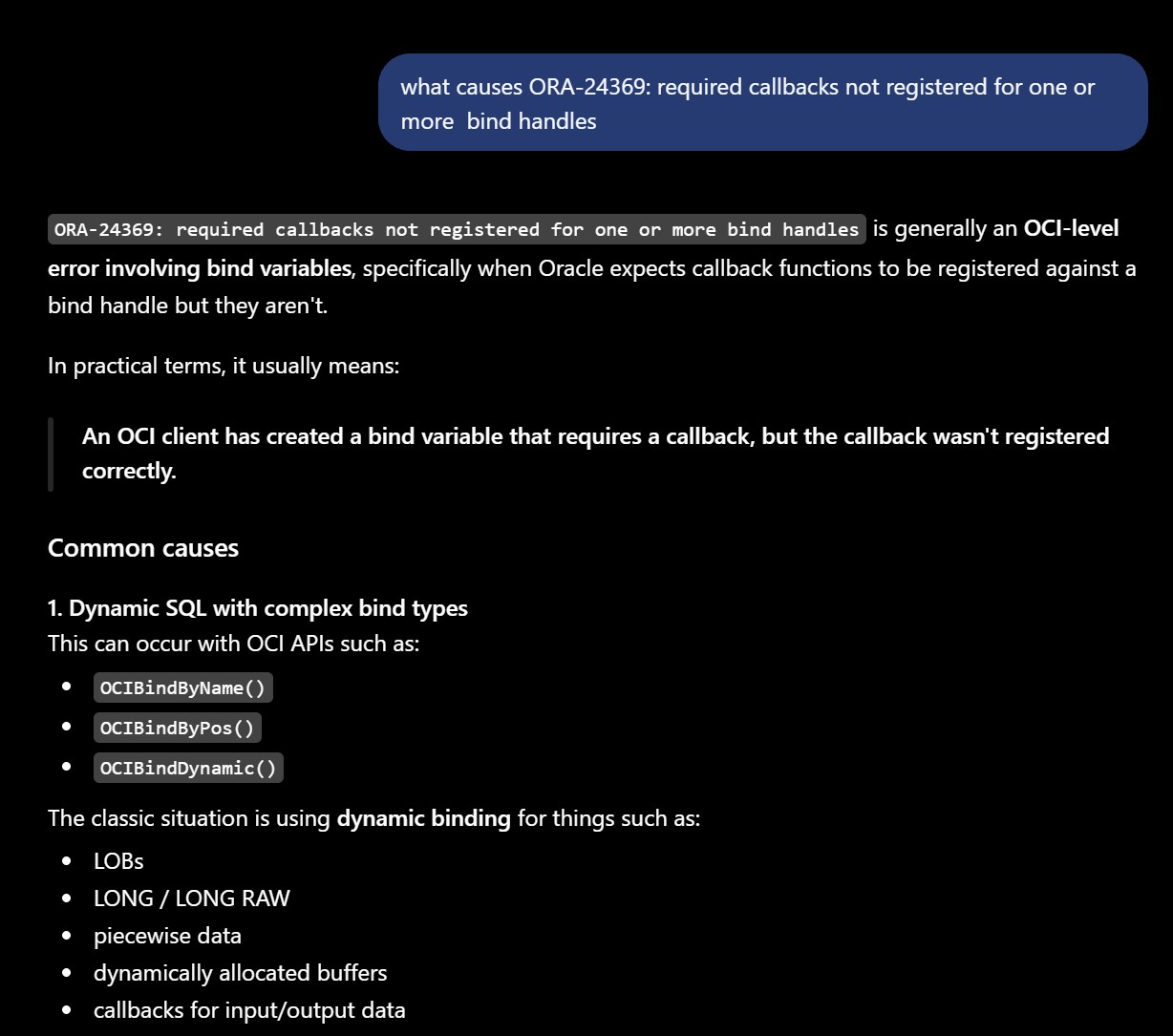
I’m sure all of the above is probably true, but it is much more likely to be something else. The cause is actually very simple. When we are using RETURNING we are expecting one row to be returned into our RETURNING variable value, but you’ll get the error if the database picked up more than one row. If I query my MYEMP table, you can see that there were actually two rows for the employee name of “PETE”.
SQL> select * from myemp; EMPNO ENAME---------- ---------- 1 JOHN 2 SUE 3 MARY 4 JANE 5 PETE 6 PETE6 rows selected.
Be aware that even though we could not return the values, we did indeed go ahead and perform the update. The rows above were shown before I did the update. If I run that update then even with its error, you can see I did indeed modify rows for EMPNO 5 and 6.
SQL> select * from myemp;

     EMPNO ENAME
---------- ----------
         1 JOHN
         2 SUE
         3 CONNOR
         4 JANE
         5 CONNOR
         6 CONNOR

6 rows selected.
So if you get this error in your application code, you probably want to roll back or roll back to a save point. Assuming that it’s a significant problem if you no longer have access to the returned variable values.
As a quick aside, one of the very cool things that has come in 26ai is the ability to distinguish between the before-value of a column versus the updated value in your RETURNING clause. You can now add the OLD and NEW keywords to specify which version of the row image you would like. By default, we return the new version to retain backward compatibility with the original returning clause.
SQL> create table myemp ( empno int, ename varchar2(10), sal int);Table created.SQL> insert into myemp values (1,'JOHN',1000);1 row created.SQL> insert into myemp values (2,'SUE',2000);1 row created.SQL> insert into myemp values (3,'MARY',3000);1 row created.SQL> insert into myemp values (4,'JANE',4000);1 row created.SQL> insert into myemp values (5,'PETE',5000);1 row created.SQL> insert into myemp values (6,'PETE',6000);1 row created.SQL> commit;Commit complete.SQL>SQL> variable prev_name varchar2(30)SQL> variable new_sal numberSQL>SQL> update myemp 2 set ename = 'CONNOR', 3 sal = sal*1.1 4 where empno = 3 5 returning old ename, new sal 6 into :prev_name, :new_sal;1 row updated.SQL>SQL>SQL>SQL>SQL> print prev_namePREV_NAME-------------------------------MARYSQL> print new_sal NEW_SAL---------- 3300
Happy binding!




Leave a Reply