I upgraded my VirtualBox install from 7.2.2 to 7.2.4 yesterday and any VM that was using Host Based Networking suddenly failed to start.
Toggling the Network Adapter on and off for the affected virtual machine(s) settings did not help. If I removed the Host-only networking, then the machines were fine, but I needed that so I could connect from other machines on my network.
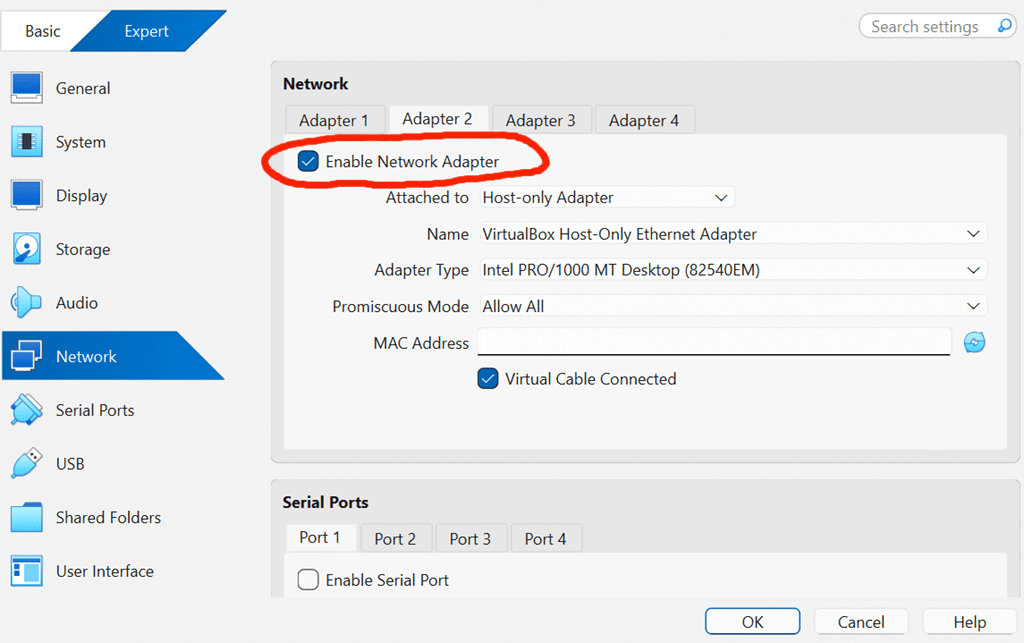
Similarly, playing with different Adapter Types did not solve things. Reinstalling the VirtualBox software did not help either.
Finally I went looking to see if there was anything wrong at the Device level on the machine.

I expanded all the categories and everything looked fine. Finally (there was no science behind this :-), it was an act of desperation), I disabled/re-enabled the VirtualBox Host-Only controller
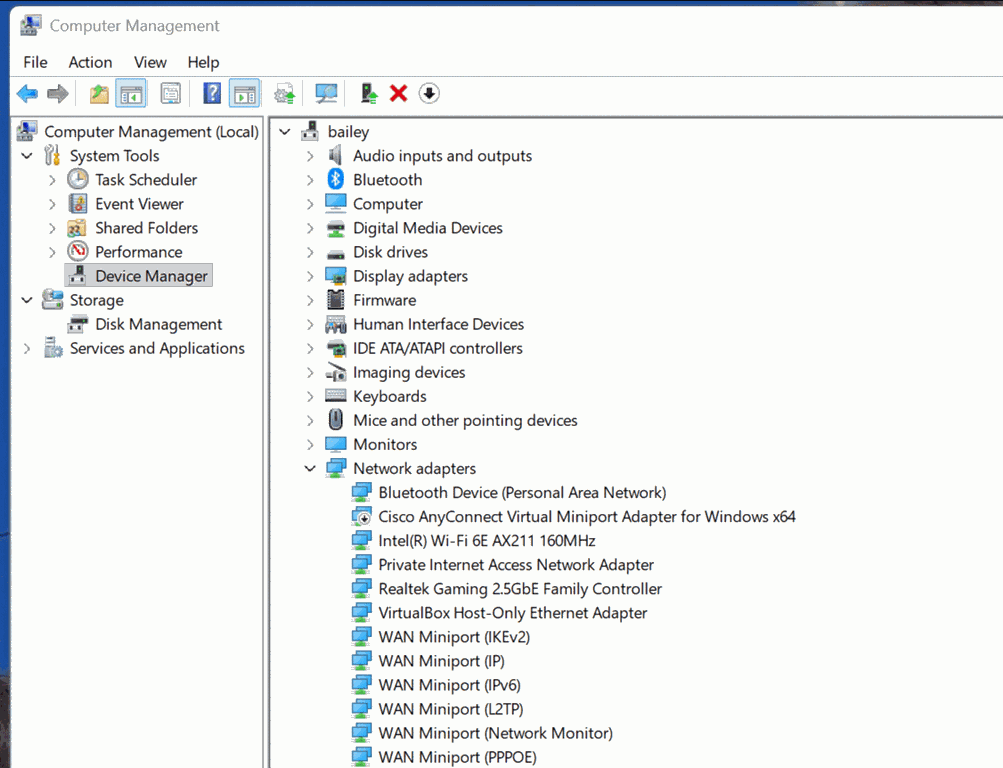
and lo and behold, my machines are running again!
I don’t know root cause, but just posting this in case it helps anyone running into the same issue.
Addenda: I neglected to also say. For all versions from 7.0 onwards, I have always totally uninstalled the existing version first, before installing the new one. Otherwise it is often the case that you can’t start any VMs at all.




Leave a Reply